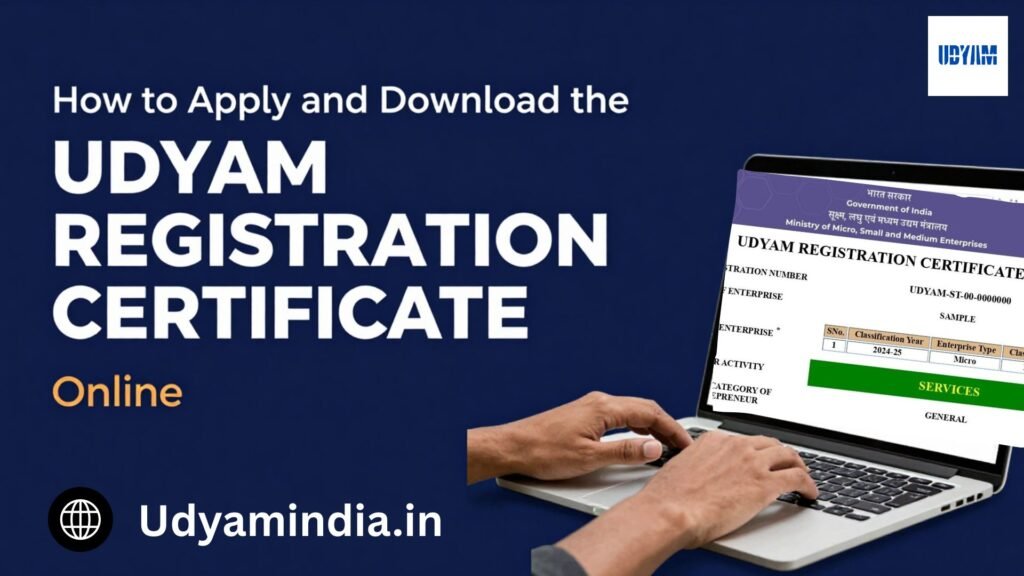
If you run a business or a startup business in India, managing finances, finding customers, and handling government paperwork. For small and medium businesses, the Udyam Registration Certificate is important because it provides official recognition as a Micro, Small, or Medium Enterprise (MSME).
Apply for a Udyam Registration Certificate Online with a simple and easy process. Once the application is completed, you get a unique number. Download your Udyam Registration Certificate online using this Number.
- 100% free
- Call direct
- Voice search
- Urdu & English
This guide explains how to apply for Udyam Registration and download the certificate in simple steps.
What Is Udyam Registration?
Udyam Registration is an online registration Process for businesses that are eligible as Micro, Small, or Medium Enterprises. After successful registration, receives a unique Udyam Registration Number and a certificate.
The certificate important for businesses applying for certain government schemes, business loans, tenders, and other MSME-related support.
Udyam Registration is generally a one-time registration and is lifetime valid. However, if the Udyam certificate business information is incorrect or mismatched, an update your Udyam Registration Certificate using this same portal.
How to Apply for Udyam Registration Certificate Online
The online application is designed to make registration easier for small business owners. Follow these general steps carefully.
Step 1: Visit the Udyam Registration Portal
First, visit the official Udyam registration portal and look for the “New Registration” option to apply for a new Udyam Registration Certificate.
Step 2: Enter Aadhaar Details
Enter your Aadhaar number and the name of the Entrepreneur.
An OTP is sent to the Aadhaar-registered mobile number. Enter the correct OTP and complete the verification.
Step 3: Enter PAN Information
After Aadhaar verification, provide the required PAN details. Enter the type of organisation, PAN card number, and the PAN holder name and date of incorporation, and click the “PAN Validate” button.
Step 4: Provide Business Details
Now enter information about your enterprise.
- Name of the enterprise
- Business address
- Date of commencement
- Bank details
- Mobile Number
- Email ID
- Investment and turnover details
- Business activity
- NIC Code(according to your business activity)
Review all the details before move next steps.
Step 5: Submit the Application
And finally, an OTP is sent to your registered mobile number; enter the OTP and click on the “Final Submit” button.
Step 6: Receive Your Udyam Registration Number
After successful OTP verification, receive a unique Udyam Registration Number. This number helps you download the certificate.
How to Download the Udyam Registration Certificate Online
After completing registration, you need a Certificate for your business records, apply for bank loans, tenders, government schemes, or other purposes.
You can download the certificate online by following these steps.
Step 1: Visit the Official Udyam Registration Portal
Visit the official Udyam Registration portal and click on the “Print /verify” option, and then click on the “Print Udyam Certificate” option
Step 2:Log in to the Udyam Portal
Enter your Udyam Registration Number and Mobile Number, and choose the OTP Verification Option, then click on the “Validate & Generate OTP” button.OTP sent your registered mobile number or email ID. Enter the OTP and click on the “Validate OTP & Login” button.
Step 3: After login is successful
After logging in successfully, open a new screen and click on the “Print Certificate” button. Then open a new screen, click on the “Print” button, and lastly click on the “Save” button. Your Udyam Registration Certificate will be downloaded.
Who Can Apply for Udyam Registration?
Businesses that fall under the MSME classification can apply for Udyam Registration. including:
- Manufacturing businesses
- Service-based businesses
- Small shops and trading businesses
- Startups businesses
- Proprietorship firms
- Partnership firms
- Private limited companies
- Limited liability partnerships
Documents Required for Applying for Udyam Registration
You should keep the following information available:
- Aadhaar details
- PAN details
- Mobile number
- Email ID
- Business or enterprise name
- Business address
- Bank account details
- Details of business activities
- NIC code
- GST-related information, wherever applicable
- Details of investment and turnover
Enter all the details correctly and match your business.
What If You Forget Your Udyam Registration Number?
Forgetting your Udyam Registration Number is not a big problem. You can easily recover your Udyam number using your registered mobile number and email ID.
The Udyam portal provides an option to retrieve registration-related information through an online verification process.
Common Mistakes to Avoid
Avoid these common mistakes:
- Entering the wrong Aadhaar or PAN details.
- Providing an incorrect mobile number.
- Selecting the wrong NIC code.
- Entering incorrect bank details.
- Using incomplete business information.
- Failing to review the application before submission.
Benefits of Having a Udyam Registration Certificate
Udyam Certificate offers several advantages MSME registered business include:
- Easier access to government schemes
- Support when participating in eligible government tenders
- Potential access to MSME-focused financial support
- Helps in business verification purposes
- Access to government incentives
Also read: Need to update other business information? Edit Udyam Registration Certificate Details Online
Conclusion
Applying for and downloading a Udyam Registration Certificate online is a simple and hassle-free process. Every small and medium-sized business in India should apply for the Udyam Registration Portal. It offers MSMEs access to many government schemes and benefits.
If you are an existing or startup business owner, apply for Udyam Registration and expand your business in the market.